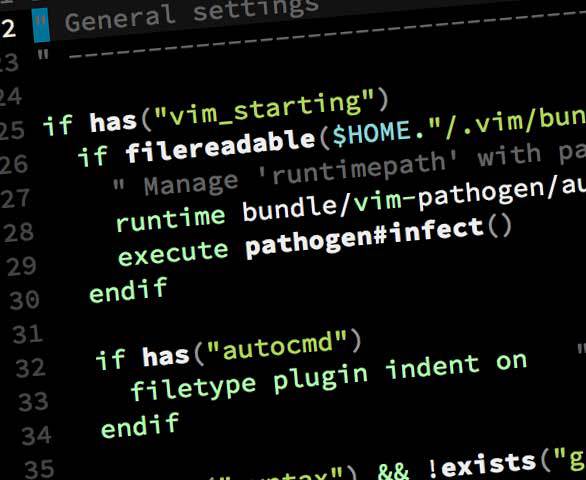
Hemisu Color Scheme for Vim
With Dark and Light Variants
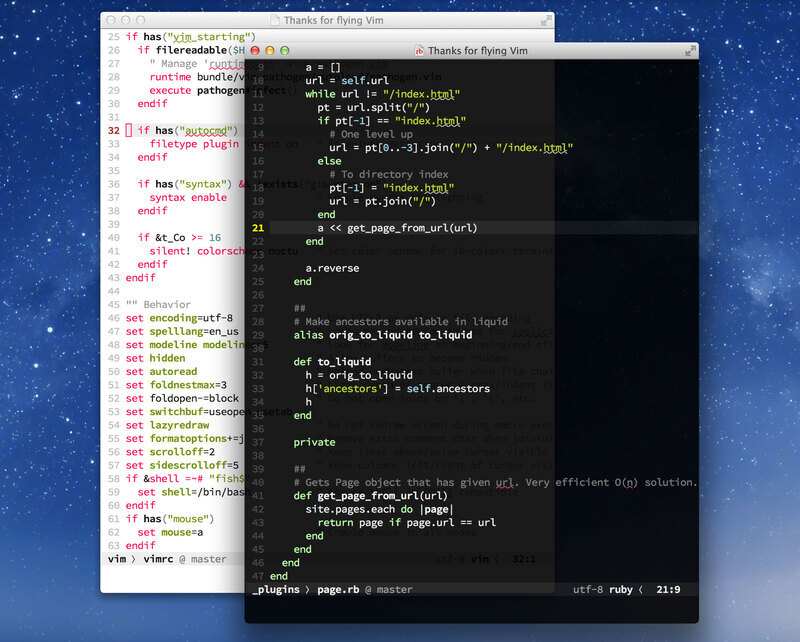
Hemisu is a color scheme for the command-line editor Vim that comes in two flavors (dark and light) and nicely complements Hemisu for Terminal.
Features
- Two modes: one optimized for daytime, the other optimized for low light conditions
- Made to work with both GUIs (
gui) and 256-color terminals (cterm) - Provides harmonious colors and styles for all predefined UI elements and syntax groups
Usage
To install and use this color scheme, move the file hemisu.vim into your colors directory (e.g., ~/.vim/colors/).
The color scheme comes in two flavors, dark and light. To toggle between the two modes, set the background in Vim:
set background=dark
set background=light
To enable the color scheme automatically when you start Vim, add the following to your .vimrc:
colorscheme hemisuChange Log
- Version 3.4 (2012-10-10)
- Improved highlights for help files
- Use nicer cterm value for dark blue
- Version 3.3 (2012-02-28)
- Corrected some cterm colors
- Version 3.2 (2012-01-07)
- Made repo pathogen.vim-friendly
- Added user highlight groups User1, User2, User3 for use in e.g. custom status line
- Small adjustment to JavaScript highlights
- Version 3.1 (2011-12-12)
- Improved highlights for JavaScript syntax mode
- Switched the backgrounds of the normal and selected states of tabs so that appearance of selected tab is more intuitive and obvious
- Spelling was invisible for cterm since it doesn't support undercurl. Duh. This adds corresponding background colors (faint variants) to cterm.
- Version 3.0 (2011-12-03)
- Refined color palette: reduced chroma of certain accent colors; improved contrast
- Consolidated colors between dark and light variants
- Improved highlights for CSS syntax mode
- Improved highlights for shell syntax mode
- Made Todo style more obvious
- DRYer method of color assignment
- Version 2.1 (2011-11-29)
- Added fold markers to file
- Minor organizational improvements
- Version 2.0 (2011-11-20)
- Completely refactored for easier maintenance
- Added remaining UI color groups
- Added diff color groups
- Added spelling color groups
- Full support for both GUIs (gui) and color terminals (cterm)
- Various adjustments to existing colors
- Version 1.0 (2011-11-13)
- Initial release
License
Hemisu is made available under the Creative Commons Attribution-NonCommercial 3.0 Unported License.
- #EEEEEE
- #777777
- #999999
- #444444
- #9FD3E6
- #B1D631
- #ECE1C8
- #BBFFAA
- #D65E76
- #005F87
- #5F5F00
- #63001C
- #111111
- #999999
- #777777
- #BBBBBB
- #538192
- #739200
- #FF0055
- #503D15
- #EEEEEE
- #CBE4EE
- #BBFFAA
- #FFAFAF
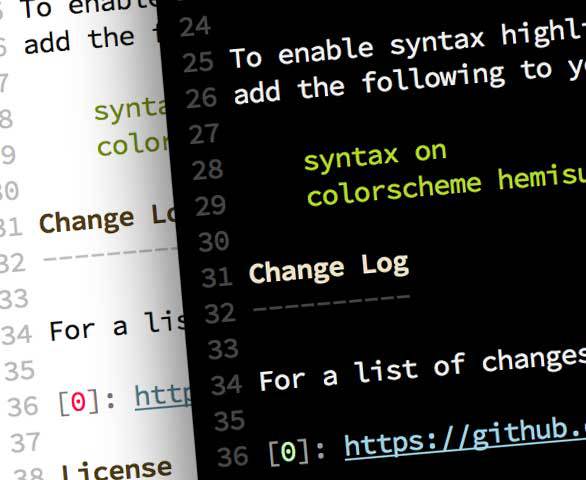
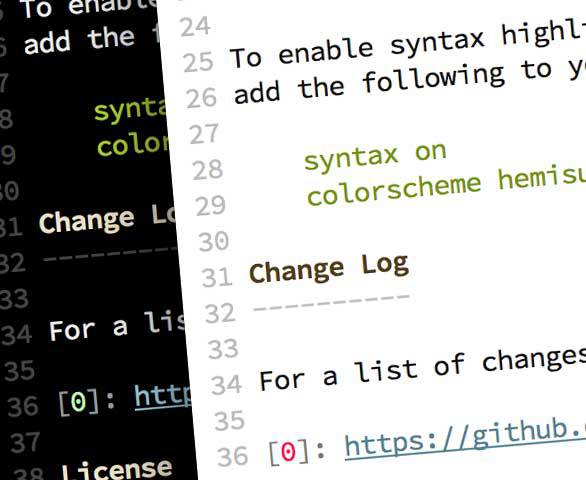
Each color was hand picked for optimal contrast and emphasis in nighttime and daytime lighting conditions respectively. Suitable variants were also chosen by hand for 256-color terminal emulators.